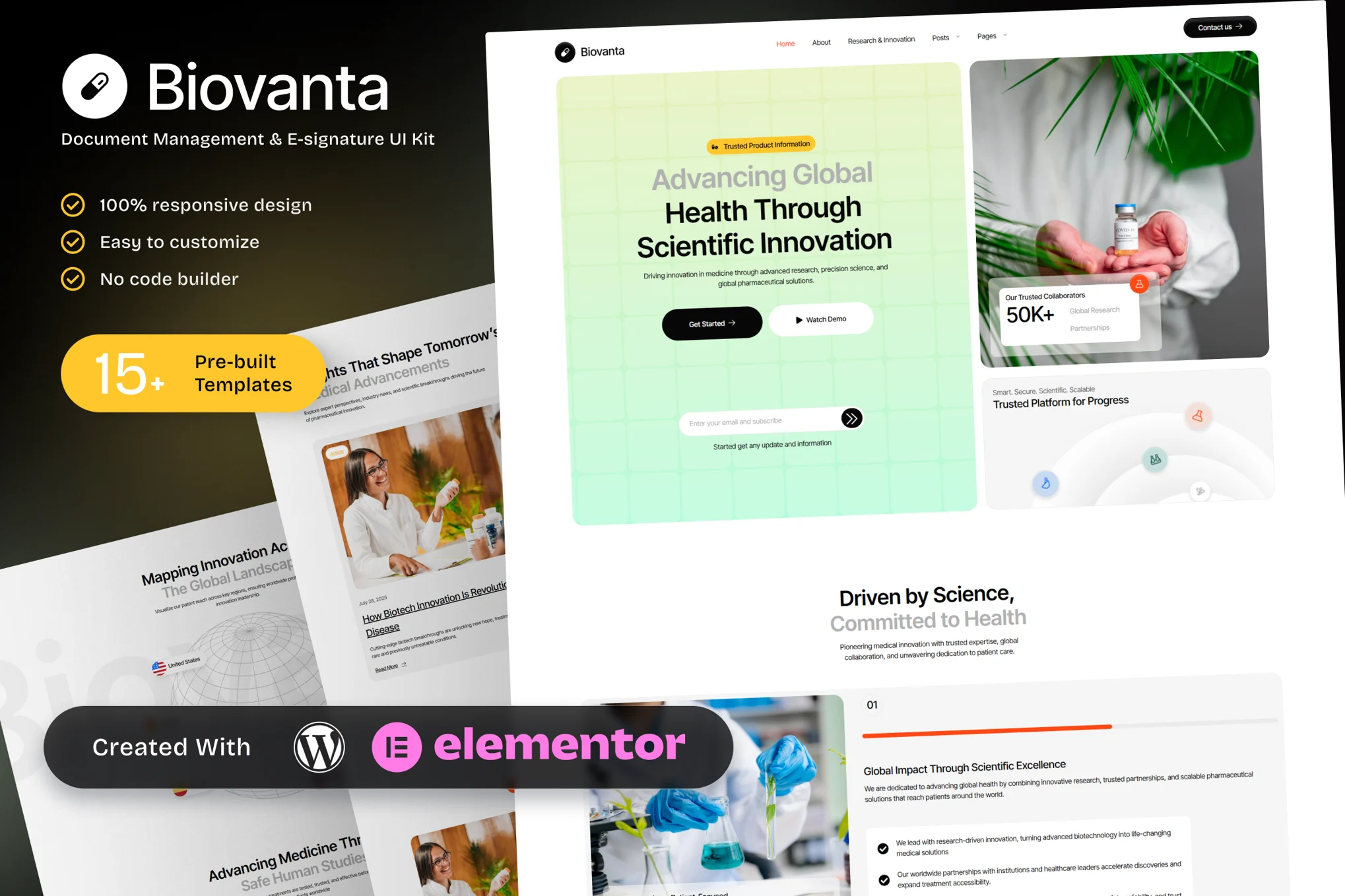
Biovanta – Pharmaceuticals and Biotechnology Industry Elementor Template Kit for Innovation Leaders
Biovanta is a sophisticated Elementor Template Kit crafted for the pharmaceuticals and biotechnology industry. Ideal for biotech firms, pharma startups, R&D departments, and life science researchers, this kit showcases your expertise in research & innovation, drug development pipeline, clinical trials, and technologies & patents—alongside dedicated pages for sustainability, ethics, news, and careers.
Fully responsive and built with Elementor—no coding needed—Biovanta includes essential pages: Home, About Biovanta, Research & Innovation, Drug Development Pipeline, Clinical Trials, Technologies & Patents, Sustainability & Ethics, News & Press, Careers, and Contact Us.
Biovanta integrates LSI-rich terms such as biotech R&D, drug development stages, clinical trial management, patent protection, biopharma sustainability, and pharmaceutical innovation. Whether you’re targeting investors, collaborators, or pharma clients, Biovanta positions your brand at the forefront of innovation and compliance.
Key Features:
- 15+ ready to use page templates
- Easy customization with Elementor
- Optimized for SEO & lead generation
- Using Free Plugins (Elementor Pro is not required)
- Cross Browser Compatibility: Chrome, Firefox, Safari, Opera
- Built with Free Plugins No premium add ons required, making setup hassle free.
- 100% Fully Responsive & mobile friendly
- Customize fonts and colors in one place (Global Kit Style)
- One Click Installation Import demo content easily with the Envato Elements plugin.
- Fast-loading, clean code, and cross-browser compatible.
- Elegant UI/UX structure
- Easy Customization: Utilize Elementor’s drag and drop interface to personalize your site.
Templates in Zip:
- Home
- About Biovanta
- Research & Innovation
- Drug Development Pipeline
- Clinical Trials
- Technologies & Patents
- Sustainability & Ethics
- News & Press
- Careers
- Contact Us
- Global Style
- Header
- Footer
- 404 error pages
Required Plugins:
- Elementor
- ElementsKit Lite
- Ultimate Addons for Elementor Lite
- MetForm
- RTMKit Addons for Elementor
- Prime Slider
Template Kits are Different from WordPress Premium Themes.
THIS IS NOT a WordPress Theme. Template kits contain the design data for Elementor only, and are installed using the Envato Elements plugin for WordPress or directly through Elementor.
Here are steps to successfully install a template kit:
- Click the “Download Template” button to download your kit.zip file. Once downloaded, do not unzip it. If you use Safari browser you may need to ensure “Open safe files after downloading” is disabled in the browser preferences, to avoid automatically unzipping the file after download.
- In your WordPress Admin, go to Settings > Permalinks and ensure “Post Name” is selected
- Go to Appearance > Themes > Add New and ensure the Hello Elementor theme is installed and activated. Hello Elementor is one of the best themes for use with Elementor, not because it is pretty, but because it gives 100% compatibility. Installing This will prompt you to install Elementor if you haven’t already.
- Go to Plugins and ensure Elementor and “Template Kits Import” by Envato plugins are installed and at the latest version. If your kit requires Elementor Pro, it must be installed now and connected to your account.
- Go to Elements > Installed Kits and click Upload Template Kit Zip (or click your kit to view it)
- Check for the orange banner at the top and click “Install Requirements” to load any plugins the kit uses.
- Click the “import” button on the Global Kit Styles first. This will setup the site settings with the right fonts and preset .
- Click Import on one template at a time in the order shown. These are stored in Elementor under Templates > Saved Templates and are re-used from here.
Building Your Header and Footer
If you have Elementor Pro:
Go to Templates → Theme Builder.
Import or open the Header template.
Click Publish → Add Condition → Entire Site (or specific pages).
Do the same for the Footer.
If you’re using Elementor Free:
- Install and activate Elementor Header & Footer Builder plugin.
- Go to Appearance → Header Footer Builder.
- Create a new header, select Elementor Canvas and edit with Elementor.
- Insert the imported Header template from Envato.
Assign it to the entire site.
Repeat for Footer.
Creating pages
- Go to Pages and create a new page and click Edit with Elementor
- Click the gear icon at lower-left (or Top-center) of the builder to view page settings and choose Elementor Full Width and hide page title.
- Click the gray folder icon to access My Templates tab and then Import the page you’d like to customize.
- Once you have built your homepage, you can set it under Settings > Reading by selecting “A Static Page.”
Detailed Guide