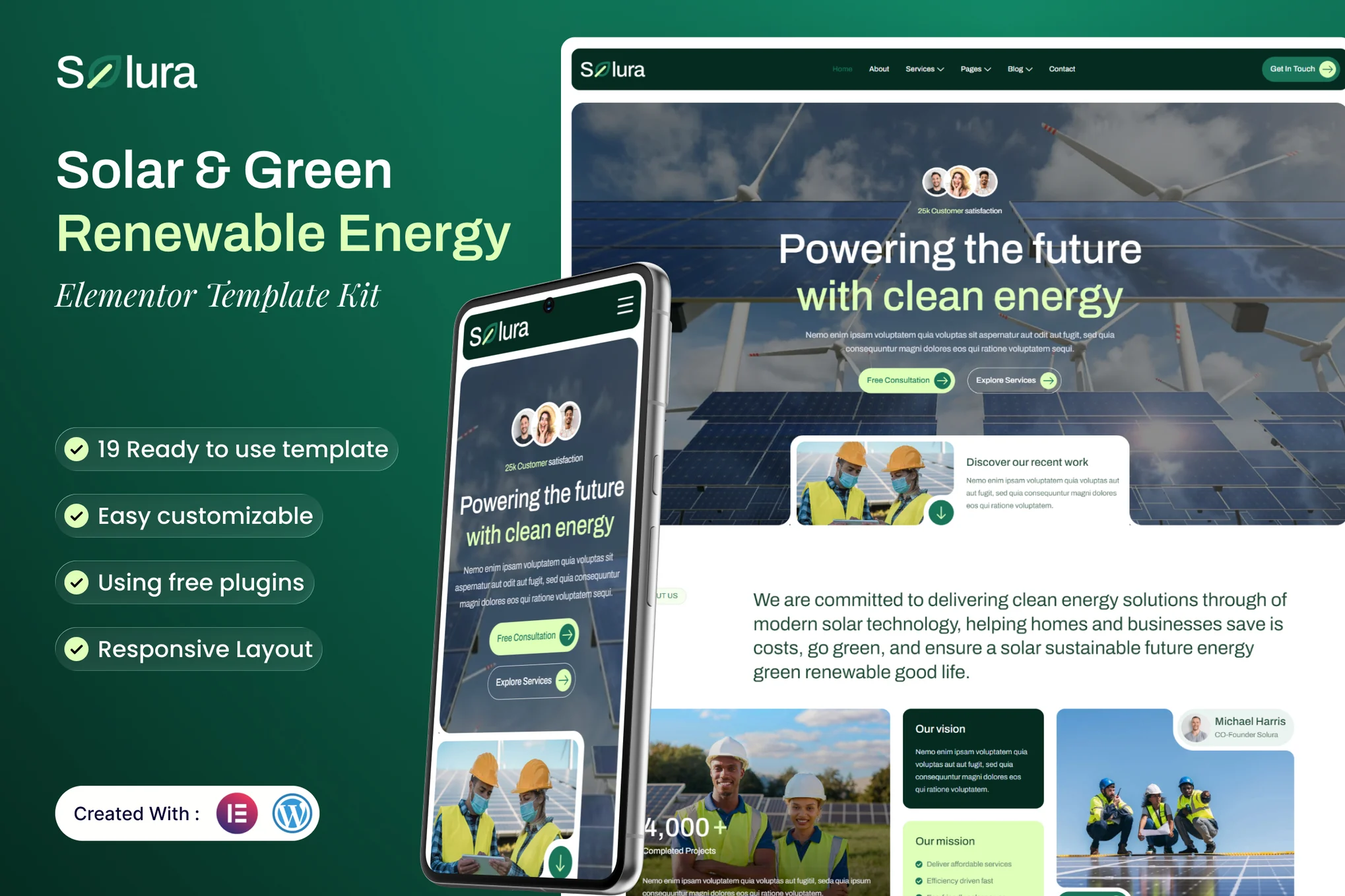
Solura – Solar & Green Renewable Energy Elementor Template Kit is a clean, modern, and eco-friendly website solution built for solar energy companies, green technology providers, and renewable energy consultants. Developed for WordPress and fully compatible with Elementor Free, Solura helps you create a professional website that promotes sustainability, innovation, and clean energy solutions—without any coding required.
With Solura, you can effectively showcase your solar installation services, green energy products, and environmental initiatives through beautifully structured layouts. The kit includes essential pages such as Services, Projects, About, Team, Blog, and Contact, allowing you to highlight your expertise, completed installations, and commitment to a sustainable future.
Designed with clarity and purpose, Solura combines a bright color palette, modern visuals, and intuitive navigation to engage visitors and build trust. Fully responsive and easy to customize, this template kit ensures your website looks perfect on all devices while reflecting your brand’s environmental mission.
Whether you specialize in solar panel installation, renewable consulting, or sustainable energy solutions, Solura gives your business the digital foundation to shine.
### Suitable For:
- Solar Energy & Renewable Power Companies
- Green Technology & Sustainability Businesses
- Eco-Friendly & Environmental Consulting Services
### Features:
- Compatible with Free Plugins (Elementor Pro Not Required)
- Professional, Clean Design
- Modern design based on design system
- 19 Ready to use Templates
- Fully Responsive Layout
- Fully Customizable
- Cross Browser Compatibility: Chrome, Firefox, Safari, Opera
- Global Styles – customize fonts and colors in one place
### Templates Included:
- Home
- About
- Service List
- Service Detail
- Project List
- Project Detail
- Our Team
- Testimonial
- Career
- FAQ
- Error 404
- Blog List
- Single Post
- Contact
- Header
- Footer
- Contact Form (MetForm)
- Subscribe Form (MetForm)
- Subscribe Form Post (MetForm)
### Required Plugin(included):
- Elementor
- Elementskit Lite
- MetForm
- Jeg Elementor Kit
- Gum Elementor Addon
Template Kits are Different from WordPress Premium Themes.
THIS IS NOT a WordPress Theme. Template kits contain the design data for Elementor only, and are installed using the Envato Elements plugin for WordPress or directly through Elementor.
Here are steps to successfully install a template kit:
- Click the “Download Template” button to download your kit.zip file. Once downloaded, do not unzip it. If you use Safari browser you may need to ensure “Open safe files after downloading” is disabled in the browser preferences, to avoid automatically unzipping the file after download.
- In your WordPress Admin, go to Settings > Permalinks and ensure “Post Name” is selected
- Go to Appearance > Themes > Add New and ensure the Hello Elementor theme is installed and activated. Hello Elementor is one of the best themes for use with Elementor, not because it is pretty, but because it gives 100% compatibility. Installing This will prompt you to install Elementor if you haven’t already.
- Go to Plugins and ensure Elementor and “Template Kits Import” by Envato plugins are installed and at the latest version. If your kit requires Elementor Pro, it must be installed now and connected to your account.
- Go to Elements > Installed Kits and click Upload Template Kit Zip (or click your kit to view it)
- Check for the orange banner at the top and click “Install Requirements” to load any plugins the kit uses.
- Click the “import” button on the Global Kit Styles first. This will setup the site settings with the right fonts and preset .
- Click Import on one template at a time in the order shown. These are stored in Elementor under Templates > Saved Templates and are re-used from here.
Building Your Header and Footer
If you have Elementor Pro:
Go to Templates → Theme Builder.
Import or open the Header template.
Click Publish → Add Condition → Entire Site (or specific pages).
Do the same for the Footer.
If you’re using Elementor Free:
- Install and activate Elementor Header & Footer Builder plugin.
- Go to Appearance → Header Footer Builder.
- Create a new header, select Elementor Canvas and edit with Elementor.
- Insert the imported Header template from Envato.
Assign it to the entire site.
Repeat for Footer.
Creating pages
- Go to Pages and create a new page and click Edit with Elementor
- Click the gear icon at lower-left (or Top-center) of the builder to view page settings and choose Elementor Full Width and hide page title.
- Click the gray folder icon to access My Templates tab and then Import the page you’d like to customize.
- Once you have built your homepage, you can set it under Settings > Reading by selecting “A Static Page.”
Detailed Guide